The awkward part of selling custom products online usually starts after the order is paid. A customer sends artwork. Your team prepares a proof. They ask for a change. Another file goes out. Two days later someone replies, “Looks good.” Then production has to work out which file was actually approved.
That process is manageable when you have a handful of custom orders. At scale, email threads, attachments and vague “approved” replies become a workflow problem. A proper WooCommerce artwork approval process keeps the artwork, proof versions, customer feedback and final sign-off connected to the order.
Published by ThemeScorpion · Updated October 2026 · Product example: Artwork Approval Pro for WooCommerce, our free proof-approval plugin.
Why artwork approval gets messy inside a normal WooCommerce workflow
WooCommerce is very good at recording products, payments and order status. Its normal order-management flow, documented in the official WooCommerce order guide, is not designed to track several rounds of artwork attached to individual line items.
Imagine a customer orders three custom products:
- Business cards: Proof V2 approved.
- Outdoor banner: Changes requested.
- Embroidered shirts: Waiting for customer artwork.
The overall order can still be “Processing,” but that single status does not tell a designer or production manager what is safe to manufacture. This is why print shops, sign makers, embroidery businesses, engravers and personalized-product stores often end up maintaining a second workflow in email, spreadsheets or messaging apps.
What a useful WooCommerce proof approval workflow should do
A good system does not need to become a full design platform. It needs to make one sequence reliable:
Artwork received → Staff review → Proof sent → Customer feedback → Revision → Approval → Production ready
The value comes from keeping those steps tied together. The current proof should always be obvious. Older versions should remain available. A customer approval should point to one exact version, not simply to “the order.”
For most custom-product businesses, seven capabilities matter more than a long feature list:
- Keep artwork attached to the correct order item.
- Create numbered proof versions instead of overwriting files.
- Let customers approve or request changes from a clear review page.
- Record exactly which version was approved and when.
- Keep a readable history of uploads, revisions and decisions.
- Remind customers when a proof is waiting without staff chasing every order manually.
- Give production a clear “ready” state once approval is complete.
1. Keep every proof revision instead of replacing the old file
File names such as final.pdf, final-2.pdf and FINAL-use-this.pdf are a warning sign. They force people to remember the story behind the files.
A better approach is explicit versioning:
- Proof V1: customer requested a phone-number change.
- Proof V2: customer asked for the logo to move higher.
- Proof V3: approved for production.
Older versions should remain visible in the project history. If there is a disagreement later, the team can see what changed and which version received the final decision without reconstructing a week of email.
2. Record approval against the exact proof version
“The customer approved it” is not enough for a production workflow. The useful record is more precise:
Proof V3 for the Business Card line item was approved on October 6 at 2:22 PM.
That distinction becomes important as soon as another revision exists. Uploading V4 should never silently make an old approval apply to a new file. A proper workflow treats each proof as a separate revision and keeps the approval event in the history.
3. Make customer review simple on phones as well as desktops
Customers should not need instructions to approve a proof. The review screen should immediately answer four questions:
- What product am I reviewing?
- Which proof version is this?
- What does the store need me to check?
- Do I approve it or need a change?
Two clear actions are usually enough: Approve and Request Changes. If changes are requested, require a useful comment. “Please replace the old phone number with 555-0184” gives a designer something they can act on; a generic “Rejected” status does not.
Registered customers should be able to reach their approvals from My Account. Guest customers should not be forced through a password-reset process just to review a proof, so an expiring private review link can reduce friction when implemented carefully.
4. Track approval per order item, not only per order
This is one of the most useful differences between a real proof workflow and a simple custom order status.
A customer may buy several personalized products in one checkout. Each one can move at a different speed. Treating every relevant line item as its own artwork project means production can see that the business cards are ready while the banner is still waiting for changes.
That clarity also helps staff avoid holding an entire order in an ambiguous state when only one product needs attention.
5. Use reminders without turning them into spam
Proofs often stall because the customer simply forgets to respond. The normal manual response is another email, followed by another one a few days later.
A better system lets the merchant decide when the first reminder is sent, how often it can repeat and when reminders stop. Once a customer approves the proof or asks for changes, that reminder sequence should end automatically.
The goal is not to send more email. It is to remove the need for a staff member to open every waiting order and decide who needs a nudge.
6. Treat customer artwork as business data, not a public gallery
Customer files may contain logos, packaging, unpublished designs or other commercially sensitive material. They should not be handled casually.
At minimum, an artwork workflow should validate upload types, restrict access to the correct customer or staff member, avoid exposing internal file paths and keep public review links time-limited. Stores should also decide how long completed artwork needs to remain on the server instead of keeping every file indefinitely.
This is one reason email attachments are not a great long-term archive. They are convenient for conversation, but they do not give a production team a clean permission model, retention policy or order-item history.
Where Artwork Approval Pro for WooCommerce fits
If your store already uses WooCommerce and the process above sounds familiar, Artwork Approval Pro for WooCommerce is designed specifically for this post-checkout workflow.
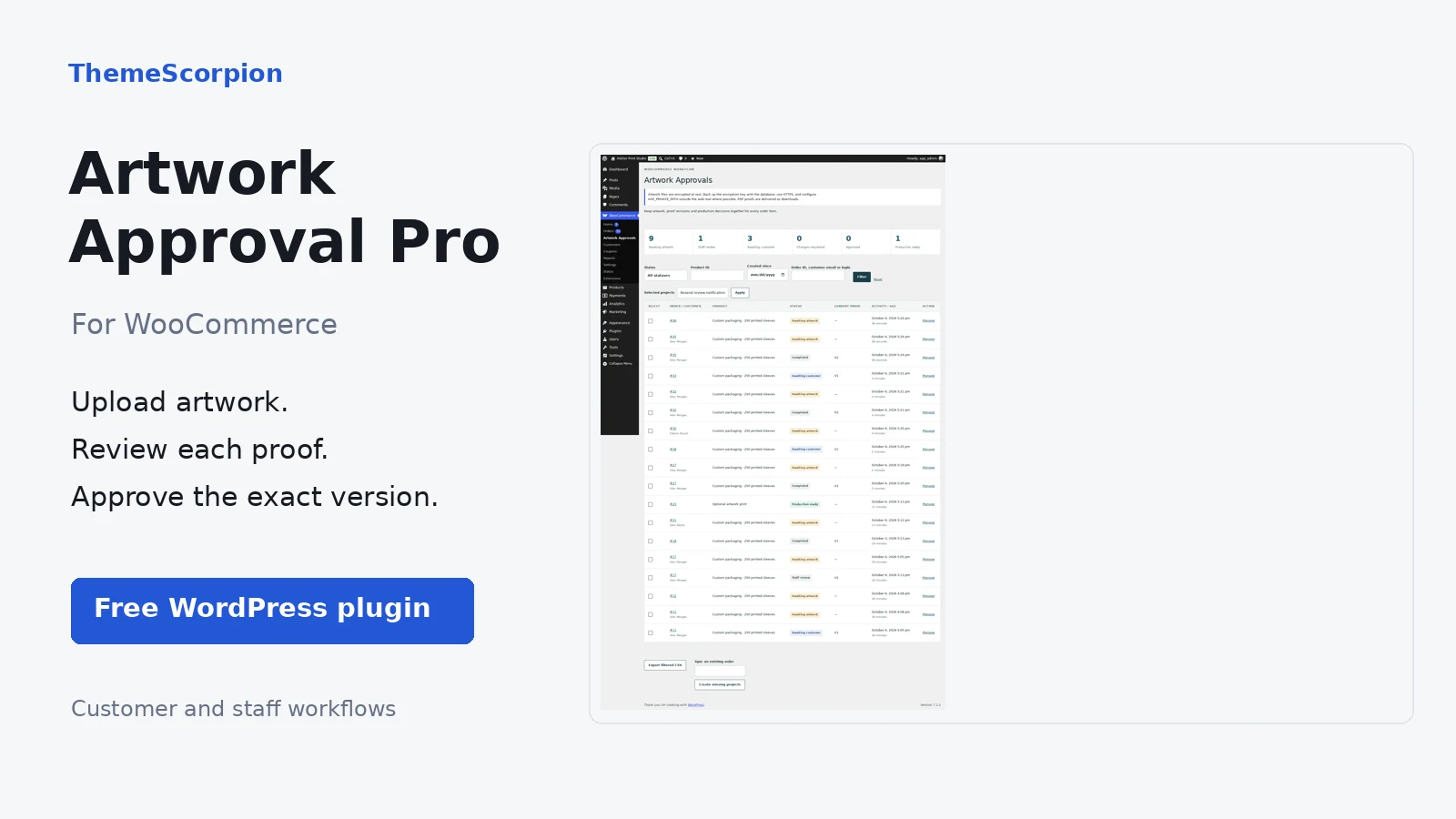
The free Version 1.0.0 includes:
- Separate artwork projects for configured WooCommerce order line items.
- Post-checkout customer uploads for PDF, JPEG, PNG and WebP files.
- Versioned proofs with change requests, staff comments and approval history.
- Customer account access plus expiring guest proof-review links.
- A merchant approval dashboard with filters, workflow states and CSV export.
- WooCommerce email notifications and scheduled proof reminders.
- Encrypted local file storage, privacy export/anonymization support and configurable completed-file retention.
The plugin is intentionally focused on approval rather than design creation. It does not replace Illustrator, Affinity, Canva or your normal production tools, and it does not include a browser-based PDF annotation editor. PDFs are downloaded for review. Customer artwork uploads happen after checkout, which keeps the first release focused on the order-to-production stage.
Download Artwork Approval Pro for WooCommerce free →
Read the setup and security guide before using it with live customer orders.
Who benefits most from an artwork approval system?
The workflow is most useful when a product cannot go straight from payment to fulfillment. Typical examples include:
- commercial printing and business stationery;
- signage and banners;
- embroidery and custom apparel;
- labels and packaging;
- engraved products;
- promotional merchandise;
- personalized gifts;
- wedding and event stationery.
The common factor is not the industry. It is the need for a customer to confirm a visual or personalized result before production starts.
When email is still enough
Not every WooCommerce store needs another plugin.
If you handle two custom jobs a month and one person manages everything, an email thread may be perfectly adequate. Software becomes useful when your team repeatedly spends time finding files, checking whether someone replied, resending proofs, working out which revision is current or telling production that a job is finally approved.
That is the point where a dedicated workflow can save more effort than it adds.
A practical artwork-approval checklist
Before changing your process, take one real custom order and check whether your current system can answer these questions in under a minute:
- Which artwork belongs to each custom line item?
- What is the latest proof version?
- What happened to the previous version?
- What exactly did the customer ask to change?
- Has the latest proof been approved?
- Who approved it and when?
- Is production clearly allowed to start?
- Can another staff member understand the full history without opening your email?
If several answers require searching through an inbox, you do not really have an artwork approval workflow yet. You have a collection of messages around an order.
The simplest workflow is usually the strongest
A useful proofing system should reduce uncertainty, not create another complicated dashboard that staff have to maintain.
Keep the process straightforward: collect the artwork, issue numbered proofs, collect clear feedback, record the exact approval and hand the approved job to production. When each of those steps stays connected to the WooCommerce order item, both customers and staff have a much clearer idea of what happens next.
If that is the process your store needs, explore Artwork Approval Pro for WooCommerce. It is currently available as a free download, so you can test the complete workflow on a staging WooCommerce store before using it with customer jobs.
Improving the storefront as well? Read our guide to WooCommerce product discovery for practical ways to improve search, filters, comparison and mobile shopping.